Pitch
Shift a sound’s pitch for a creative effect or a different tone. Preview the result before saving the pad.
 SoundCues
Audio editing and effects
SoundCues pairs a live soundboard with practical audio editing. Preview changes, keep the original audio, and save the settings that make each cue work for the show.
Pitch and rhythm
Shift a sound’s pitch for a creative effect or a different tone. Preview the result before saving the pad.
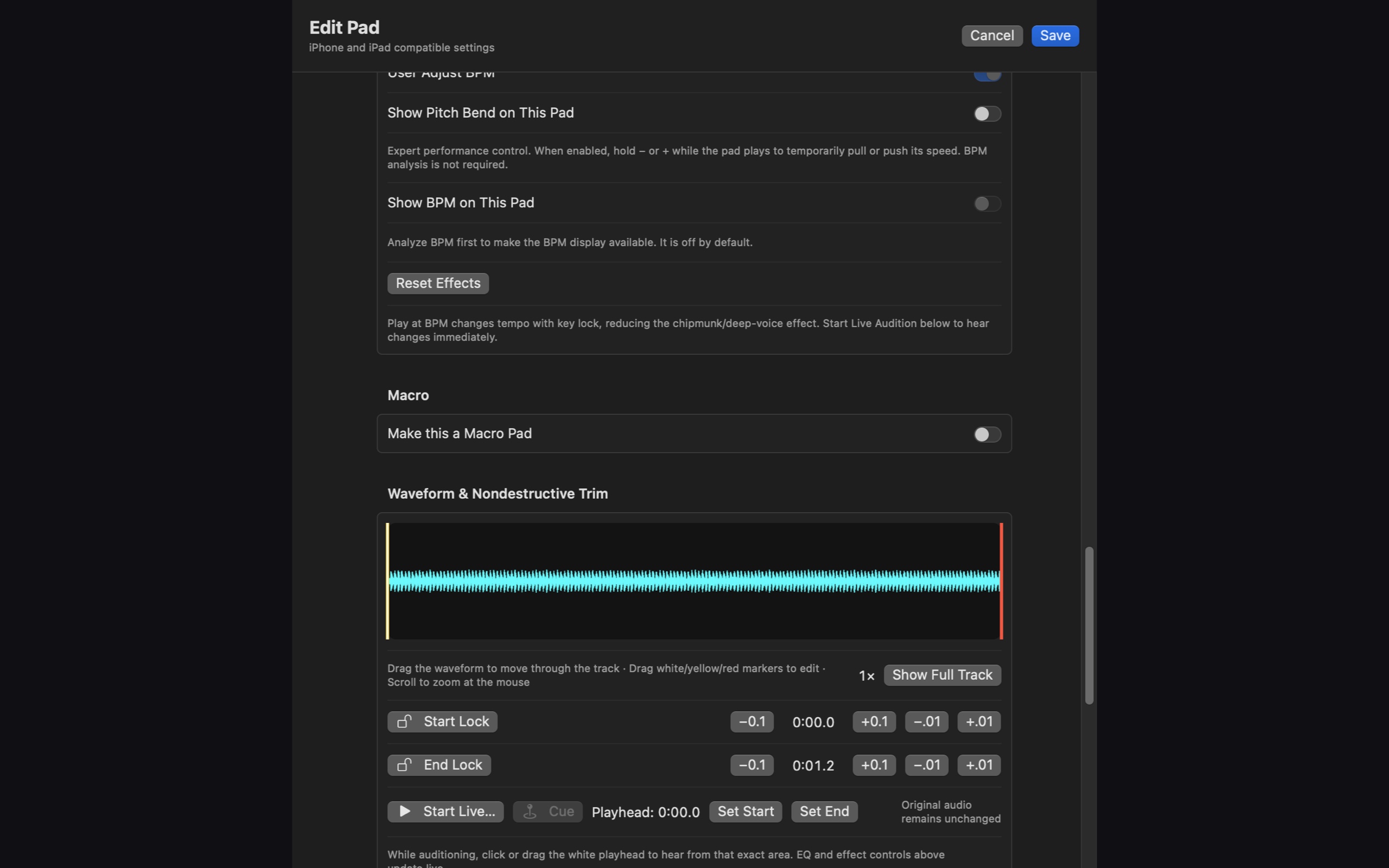
Enable optional momentary plus/minus performance controls. Hold a control while the pad plays to pull or push speed; release it to return to the saved tempo.
Estimate BPM, correct it manually when needed, and select a playback BPM. Key-locked tempo processing helps reduce chipmunk or deep-voice artifacts.
Sound shaping
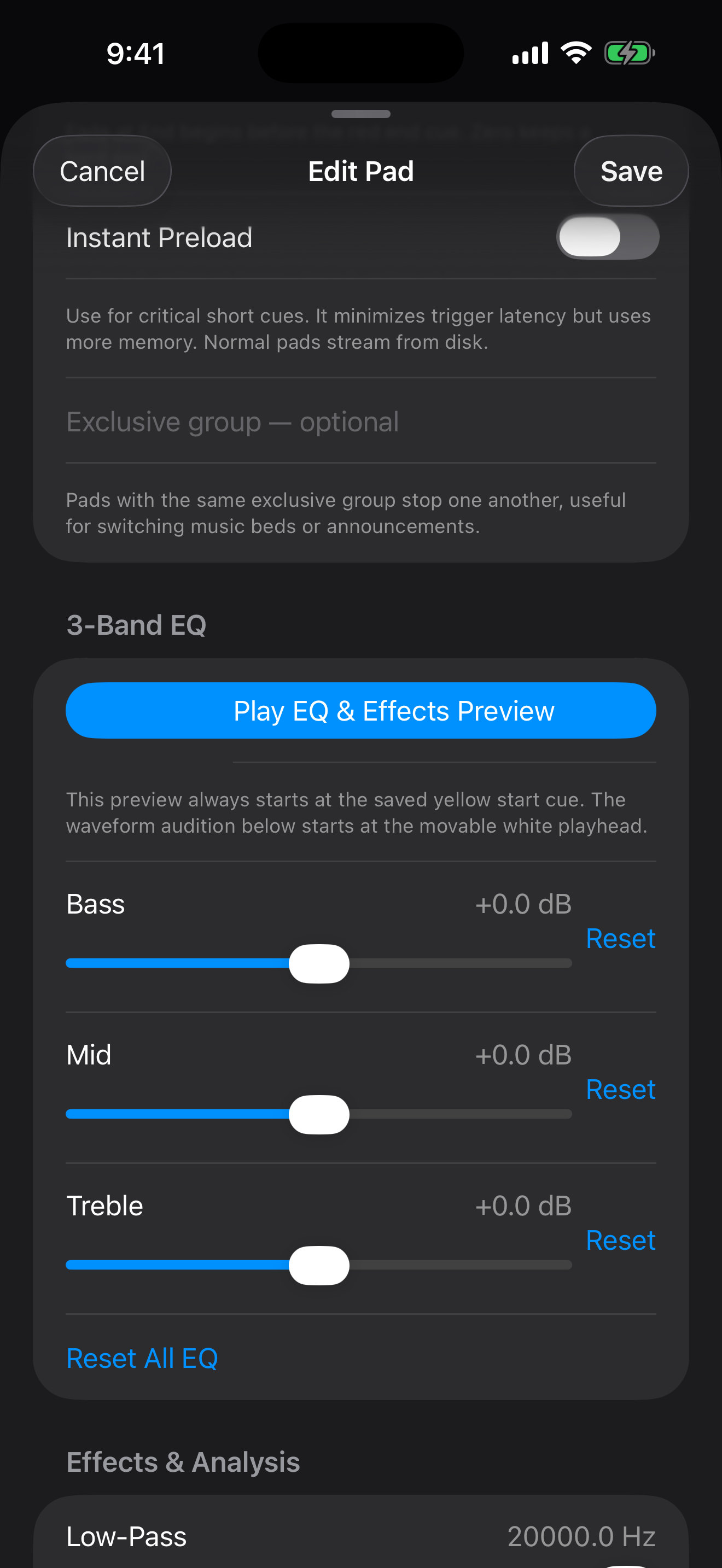
Set bass, mid, and treble with 3-band EQ. Low-pass and high-pass filters, echo, flange, reverb, and vocal reduction offer more ways to shape a sound. Preview effects at the saved start cue before committing a change.
Waveform and playback
Drag the waveform playhead to audition a specific point, set non-destructive start and end points, and combine them with fades, loops, and gain. The source audio remains available while your pad keeps its own playback choices.
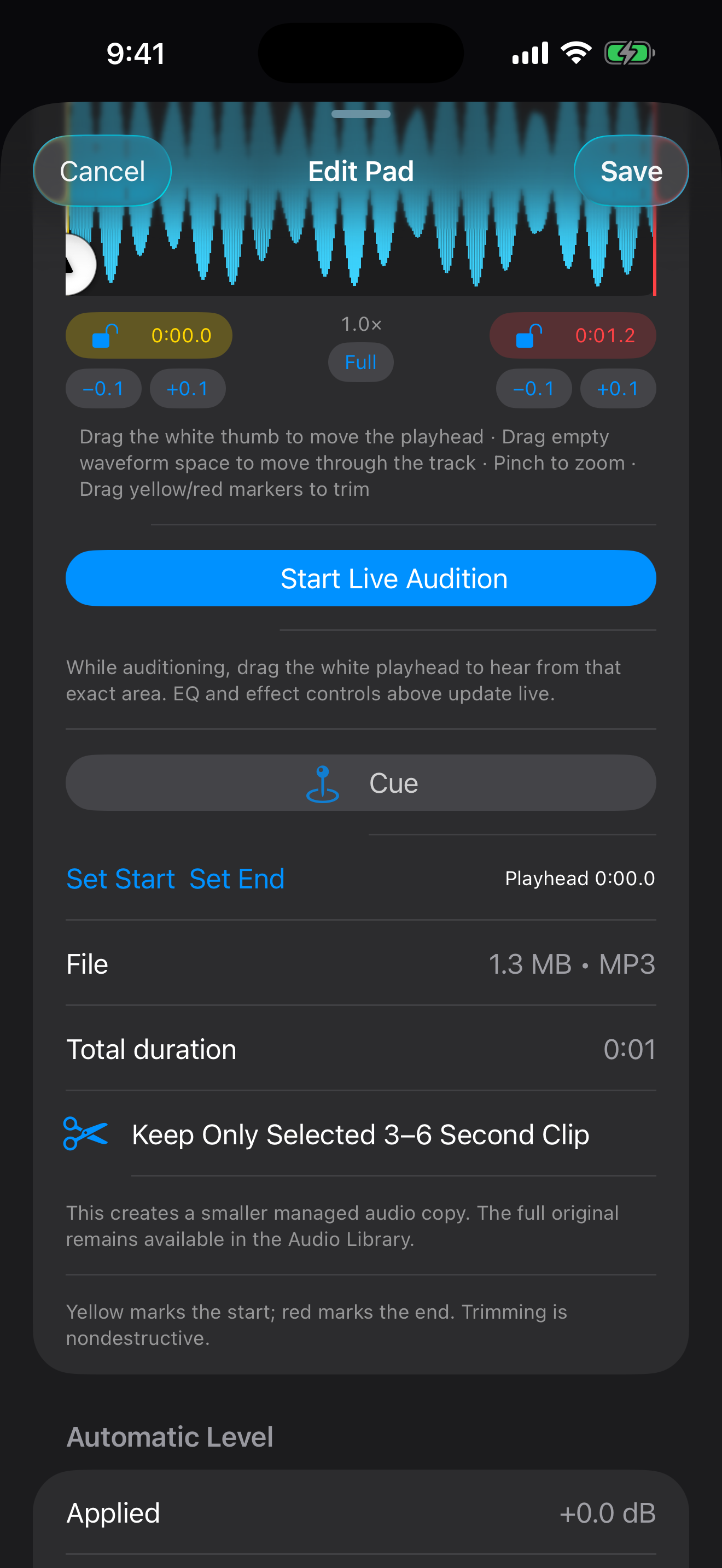
No. Start and end points are non-destructive pad settings. A separate option can create a smaller managed copy of a selected clip while the original stays available in the Audio Library.
No. A target playback BPM is a saved setting. Pitch bend is a temporary performance control that returns to the saved tempo when released.
Explore SoundCues on iPhone, iPad, and Mac.
SoundCues home ↗